Carbs & Cals App Instructions
Short videos to walk you through features in the Carbs & Cals app
Carbs & Cals app instructions: Browse & log foods
Barcode, label & food scanner
Browse foods
Log foods
View your food diary
Delete a food entry
Timestamps
Carbs & Cals app instructions: Custom foods, meals & recipes
Create a custom food
Create a custom meal
Add a recipe
Add a note
Carbs & Cals app instructions: Targets, reports, backup & settings
Set up targets
Change nutrients display
Generate and export reports
View your plan and send technical info
Backup and restore
Family sharing

Free Trial
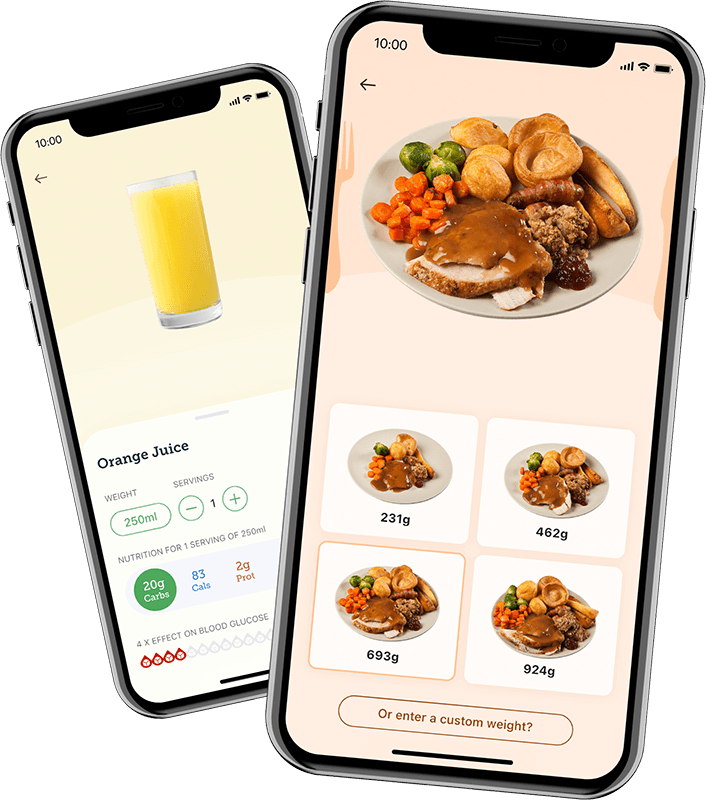
Try the Carbs & Cals App Free for 14 Days
Try the app now and enjoy all the unlimited premium features for free.
- 272,000+ foods & drinks
- Up to 6 portions per food
- NEW Unified Food Scanner: Snap barcodes, food labels or the food on your plate for instant nutrition info
- Brands, restaurants and fast food
- Unlimited custom foods and meals
- Track carbs, calories, protein, fat, fibre, 5-a-day and alcohol
- Blood glucose impact icons
Download the app now to get started!